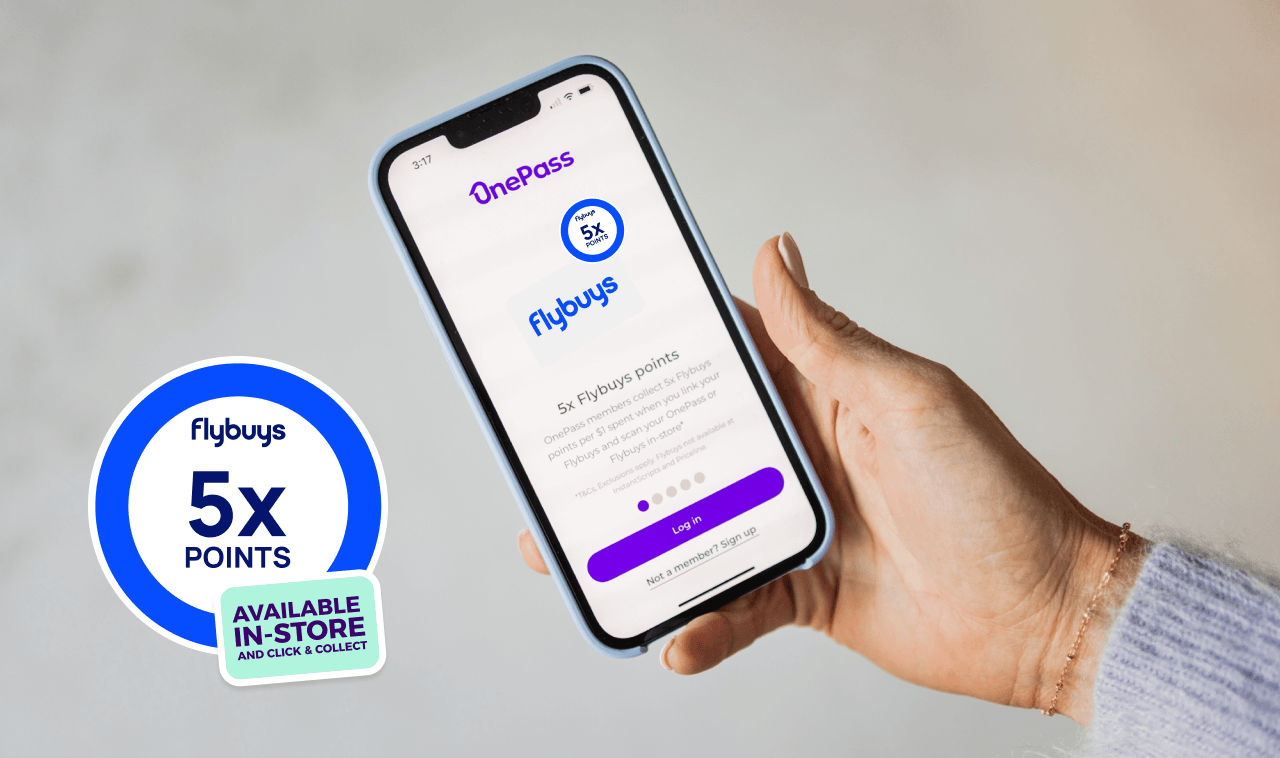
Link your OnePass membership to your Flybuys account, and you’ll get more points every time you shop when you head in store or choose Click & Collect at Kmart, Target, Officeworks and Bunnings Warehouse.
Don’t have a Flybuys account? Sign up for one for free. It only takes a few minutes.
How do you earn Flybuys points with OnePass?
Connect your OnePass membership to your Flybuys account and start earning 5 points for every dollar you spend on eligible items with Kmart, Target, Bunnings Warehouse and Officeworks. And it works whether you shop in store or choose Click & Collect.
Make sure your accounts are linked, then scan your OnePass card or Flybuys card at the checkout. For Click & Collect purchases, log in to your OnePass account and enter your Flybuys number at the retailer's online checkout.
You'll still collect Flybuys points on eligible online orders you have delivered, but they earn 1 Flybuys point for every dollar spent.
How does Flybuys work with OnePass?
OnePass and Flybuys memberships work best when they’re used together. Link your two accounts and you get better value for every dollar you spend on eligible purchases.
Here’s how to link your two accounts:
- Log into your OnePass account.
- On the homepage, you’ll see a ‘Link your Flybuys’ prompt. Click on it and you’ll be redirected to the Flybuys page.
- Enter the details you use to log into Flybuys.
- Click ‘Continue’ and you’re in.
Now that your two accounts have become one, scan your OnePass card in store at Kmart, Target, Bunnings Warehouse or Officeworks – or log in and enter your Flybuys number for Click & Collect – to make sure you get your 5x Flybuys points.
How do you redeem Flybuys points?
There are many ways to make use of the Flybuys points you collect as a OnePass member.
Use your points for money off your shop at participating Flybuys partners, swap them for products and gift cards in the Flybuys Rewards Store, or transfer them to your Velocity Frequent Flyer account to put towards your next trip.
Redemption options and values can change, so check the Flybuys rewards page for the latest details.
Is the Flybuys benefit worth it?
It’s not essential to link your Flybuys account – there are plenty of other benefits to becoming a OnePass member – but there’s also no reason to leave those points behind. Use them to save while you shop, buy a gift or transfer them to your Velocity account to use for redemption seats and upgrades.
Linking your OnePass membership to a Flybuys account helps you get the most from both.
Ready to save more? Join OnePass today for your 30-day free trial. And if you have any other questions, just go to the OnePass support page.
FAQs
Do Flybuys points expire?
If your account is active – that is, you’ve earned or redeemed at least 1 point in the past 12 months – your Flybuys points never expire.
Do you scan your Flybuys or OnePass card?
Once you've linked your OnePass and Flybuys accounts, scan either the OnePass or Flybuys card at the checkout in store at Kmart, Target, Bunnings Warehouse and Officeworks to collect your Flybuys points. They should automatically appear in your Flybuys and OnePass accounts within 3 days.
When will my points appear in my account?
They should appear in your Flybuys and OnePass accounts within 3 days.
One membership.
More value.
Favourite retailers.